Readly
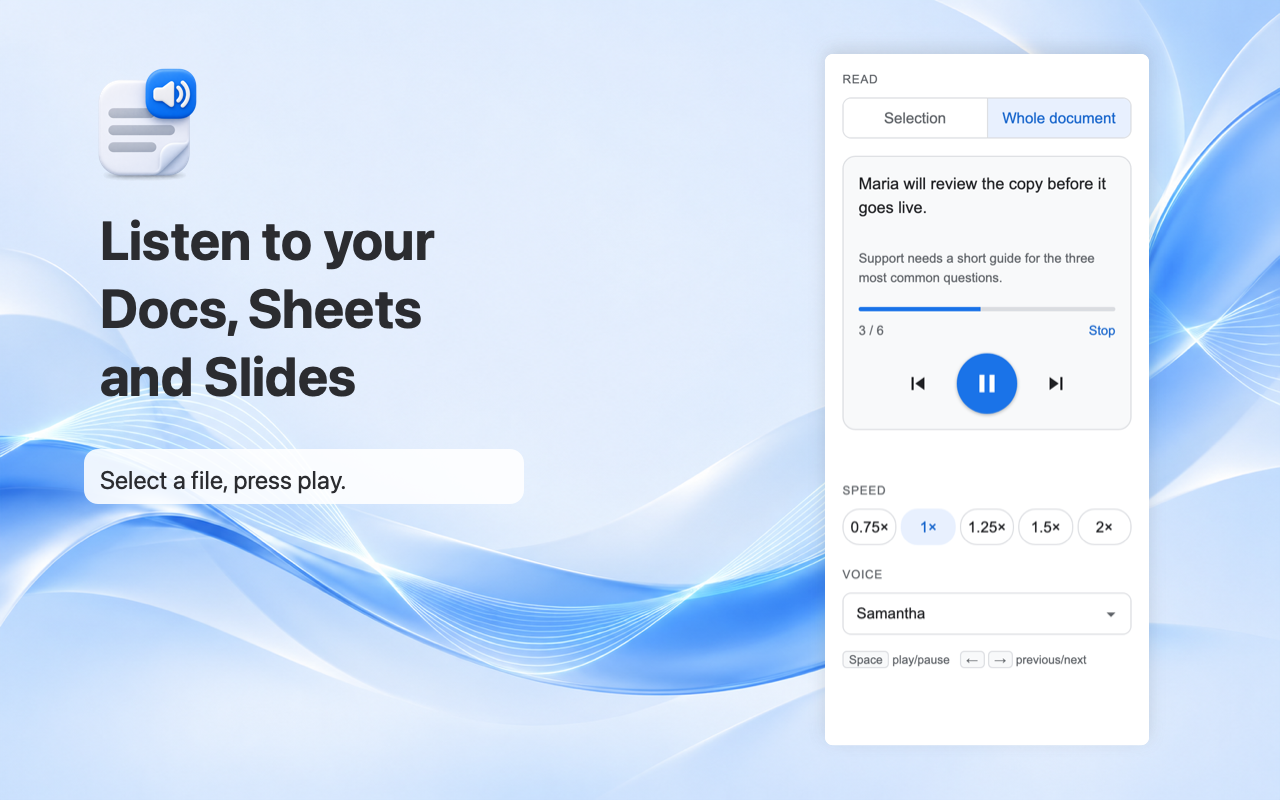
Listen to your Docs, Sheets and Slides.
Readly is a Google Workspace add-on that reads the file you have open aloud, sentence by sentence, using the voices on your device. Open it from the side panel, press play, and follow along as each sentence is selected in your file.
Coming soon to the Google Workspace Marketplace.
Features
- Reads Google Docs, Sheets and Slides: paragraphs, list items and table cells in Docs, every cell with data in Sheets, and text boxes, tables and speaker notes in Slides
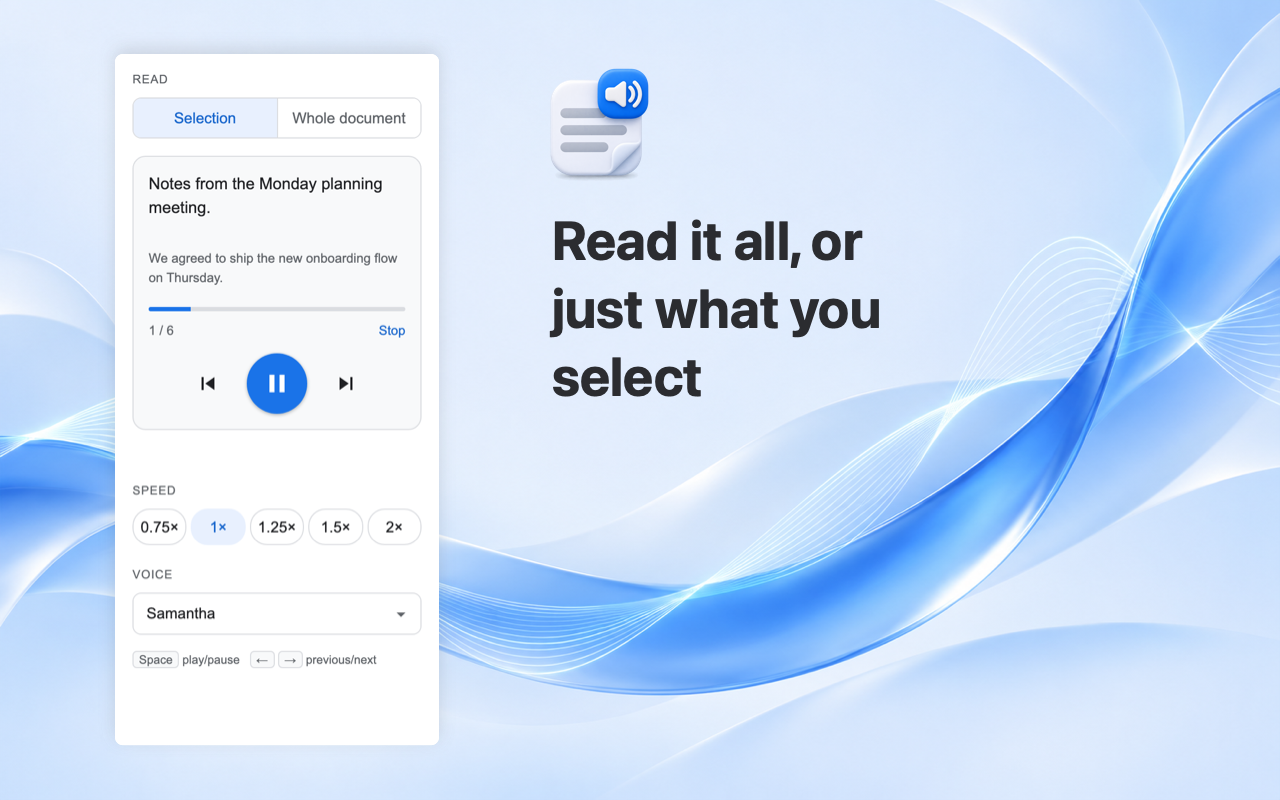
- Reads the whole file, or only your selection
- Selects the sentence being read, so you can follow along
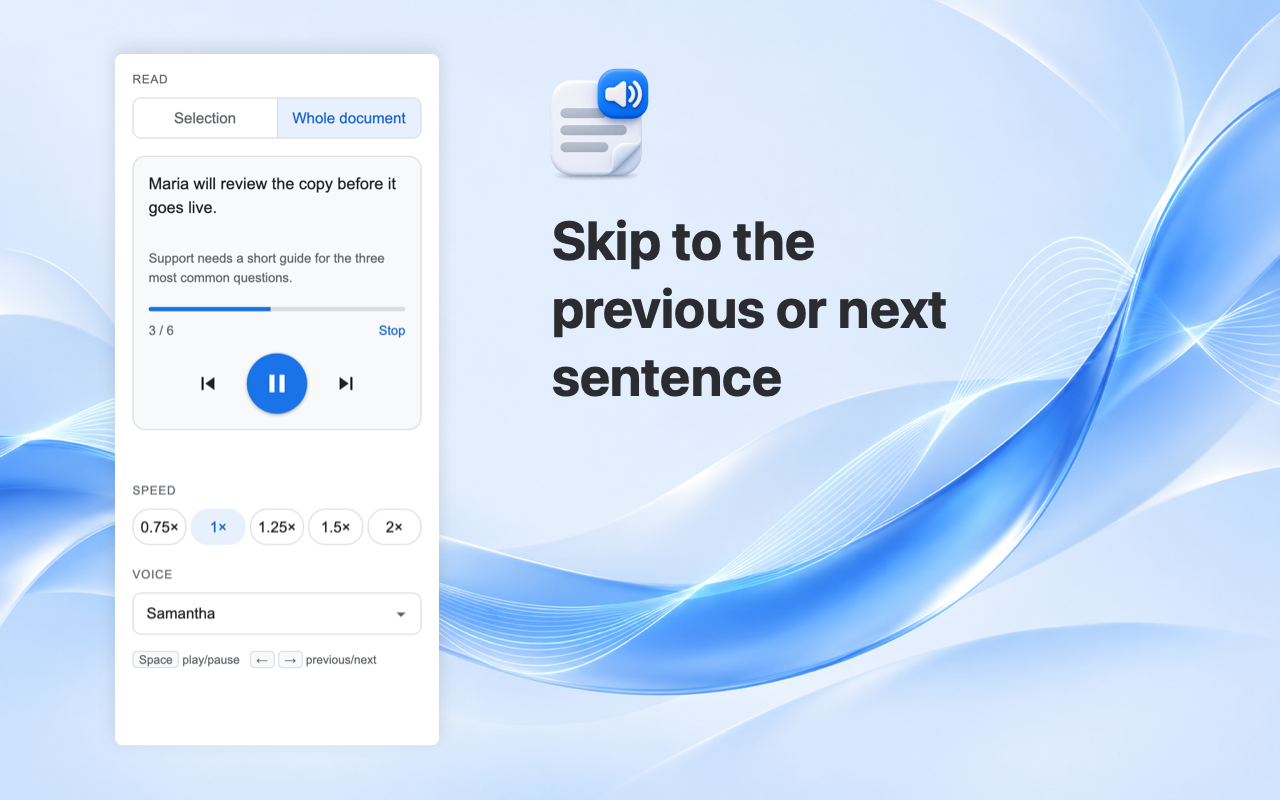
- Play, pause, and skip to the previous or next sentence, or click the progress bar to jump
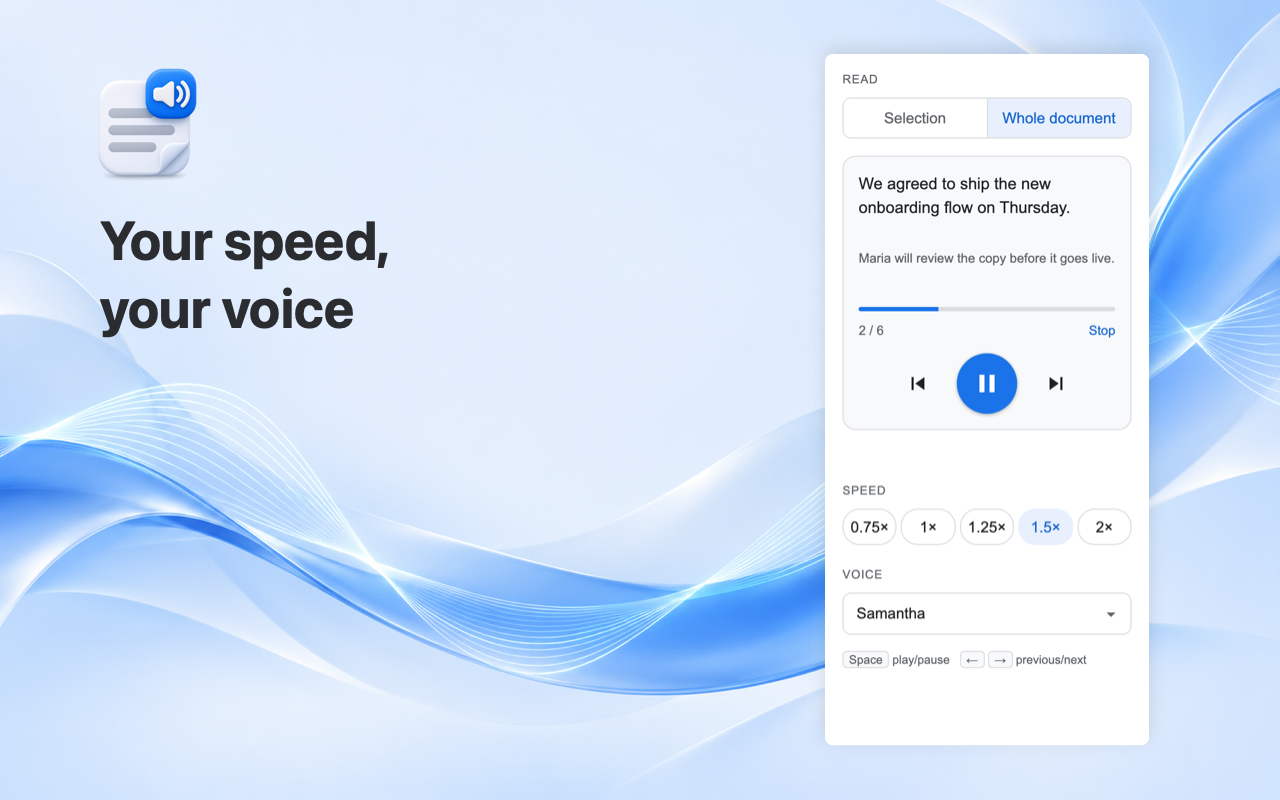
- Speed from 0.75× to 2×, and a choice of the voices on your device
- Free
How it works
- Open a Doc, Sheet or Slides file and click the Readly icon in the side panel
- Approve access to that file the first time
- Press play. Readly reads the text aloud with your browser’s speech synthesis
FAQ
Does Readly send my document to a server?
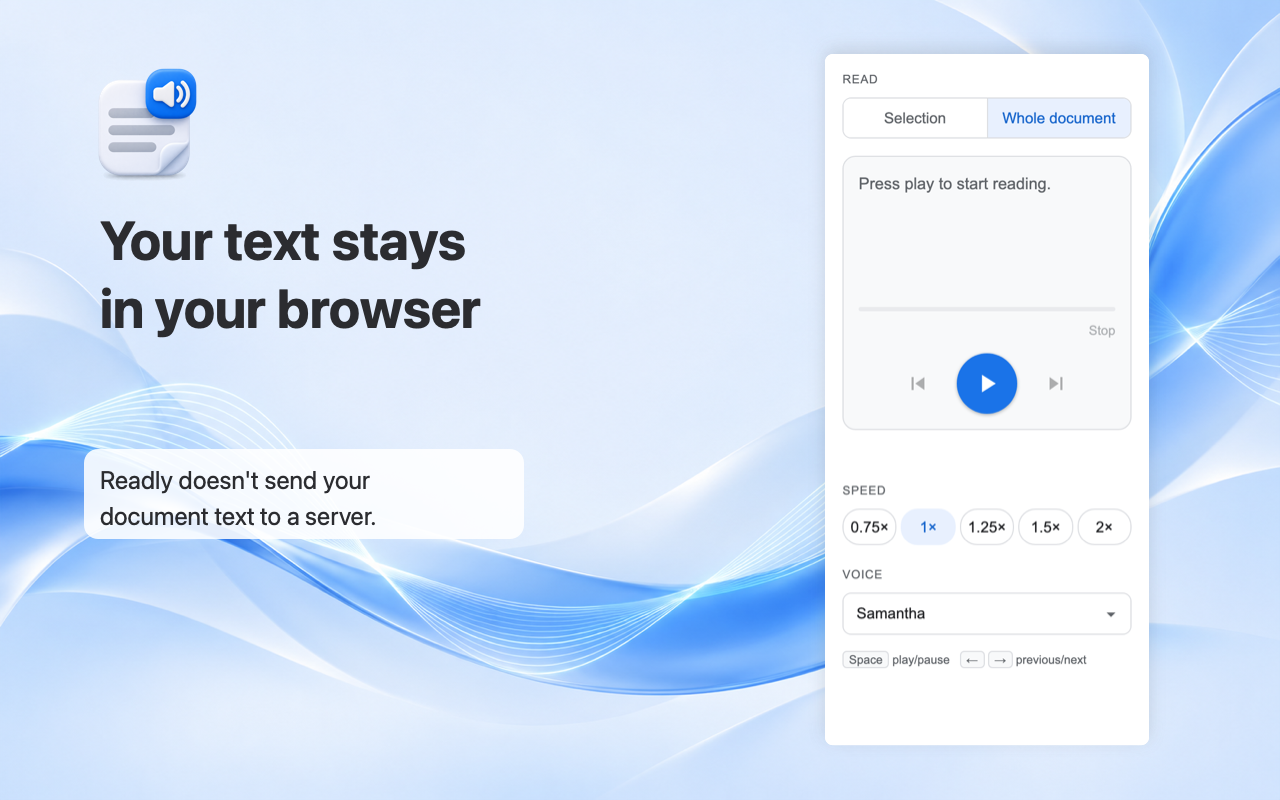
No. The text is turned into speech in your browser. Readly does not send your document text to a server and does not store it. If you pick an online voice offered by your browser, that browser’s vendor may process the text under its own policy; choose an on-device voice to avoid that.
Does it change my file?
No. It only reads the text and moves the selection to the sentence being read.
Which voices does it use?
The voices already installed on your device or offered by your browser. Quality depends on them.
Is it free?
Yes.
Readly reads a file only after you approve access to it, and keeps no copy of your text. Feedback · Privacy policy · Terms · hi@zvh.io