
Social Links Finder
A page’s social profiles, one click away.
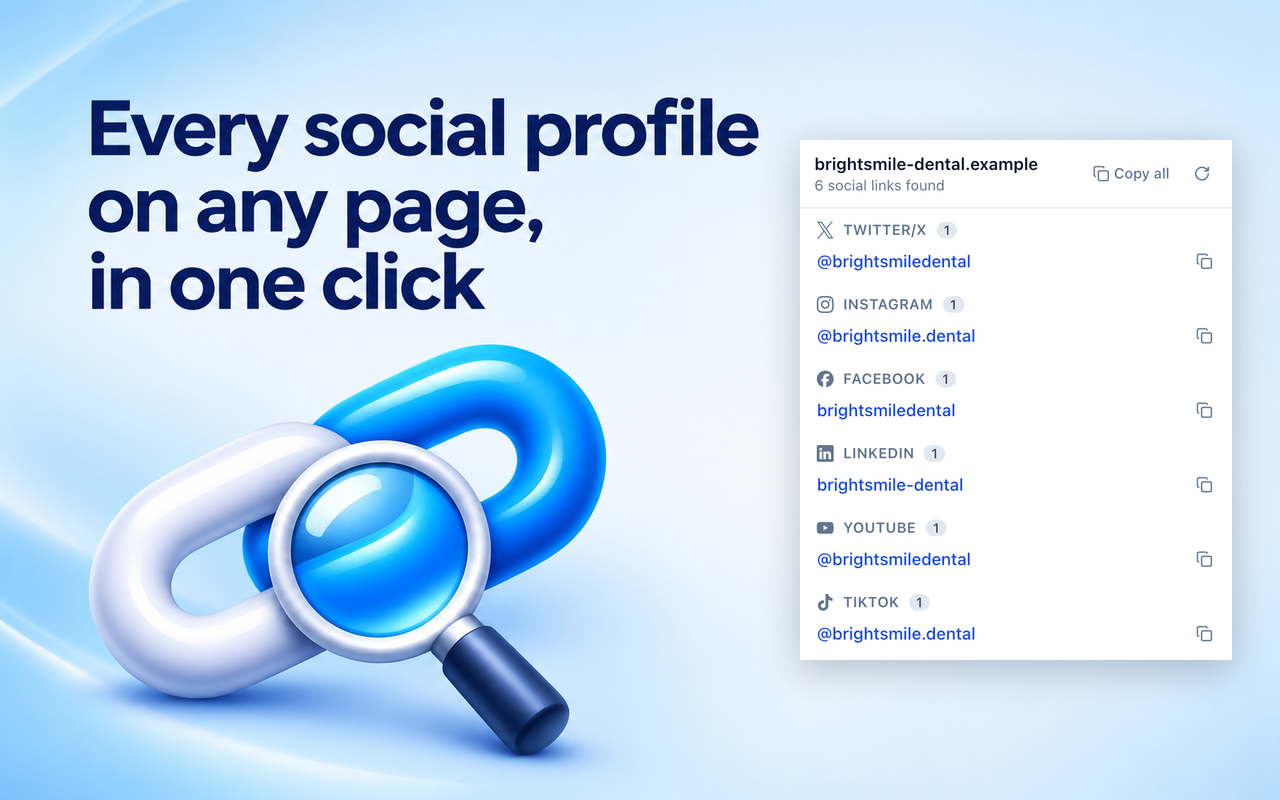
Find social profiles, phone numbers, email addresses, and contact links on the page you’re viewing. Open the extension to see results grouped by platform, then copy a single link or all of them at once.
Features
- Social profiles grouped by platform, including Instagram, LinkedIn, X, Facebook, YouTube, and more
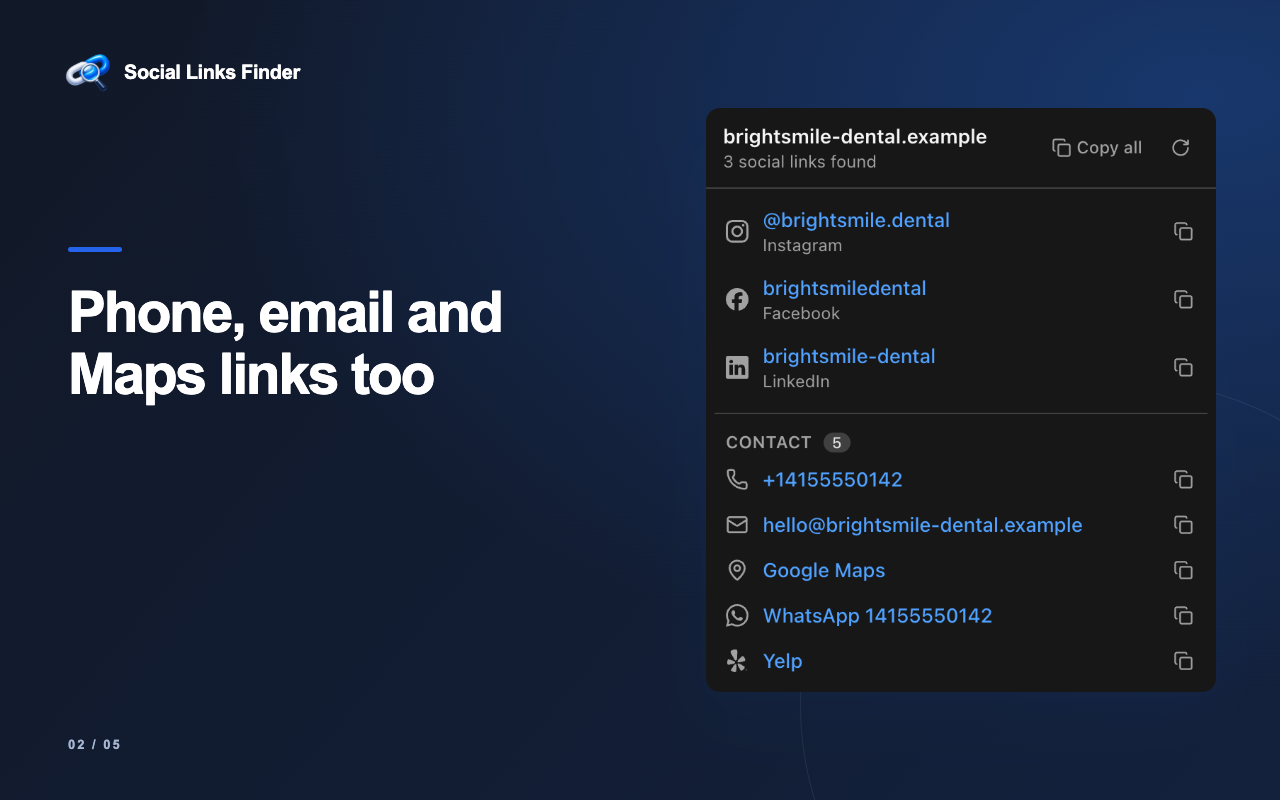
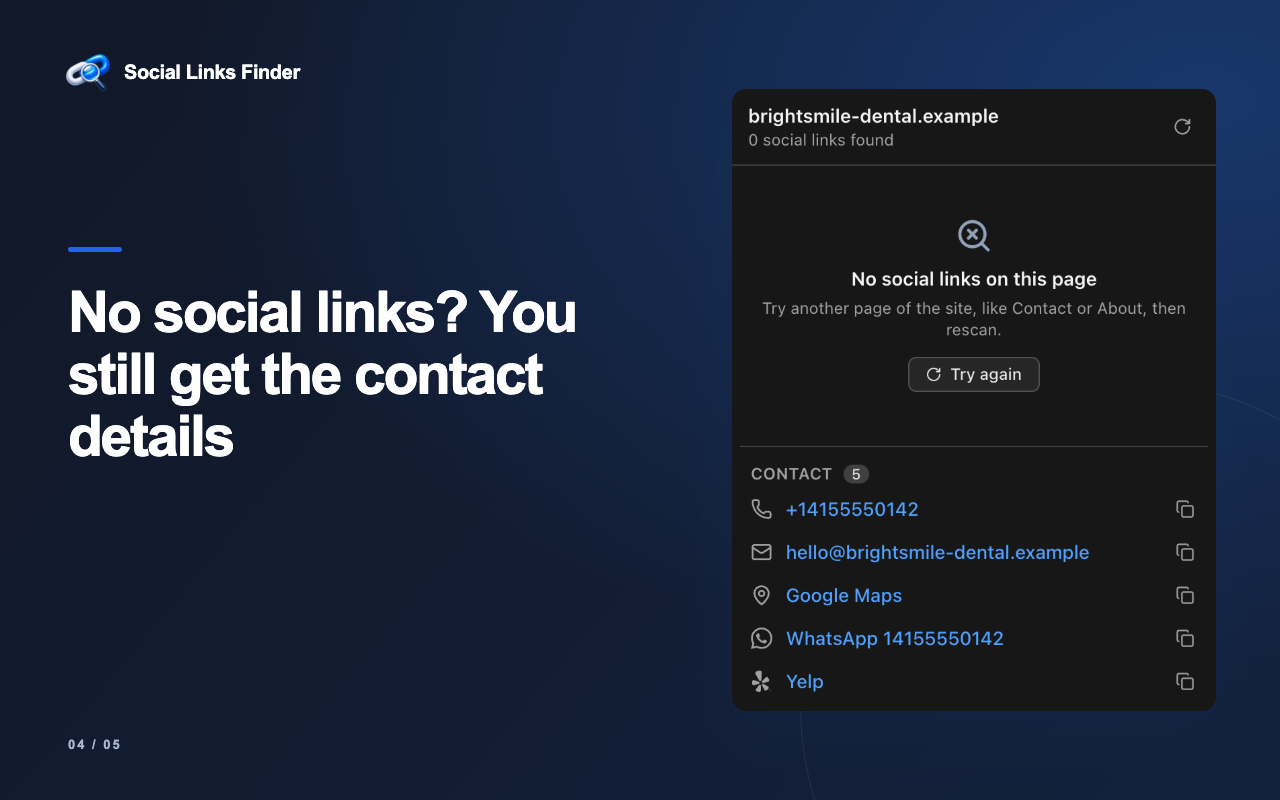
- Phone numbers, email addresses, WhatsApp, Google Maps, and review-site links
- Finds profiles declared in structured data and rel="me" links
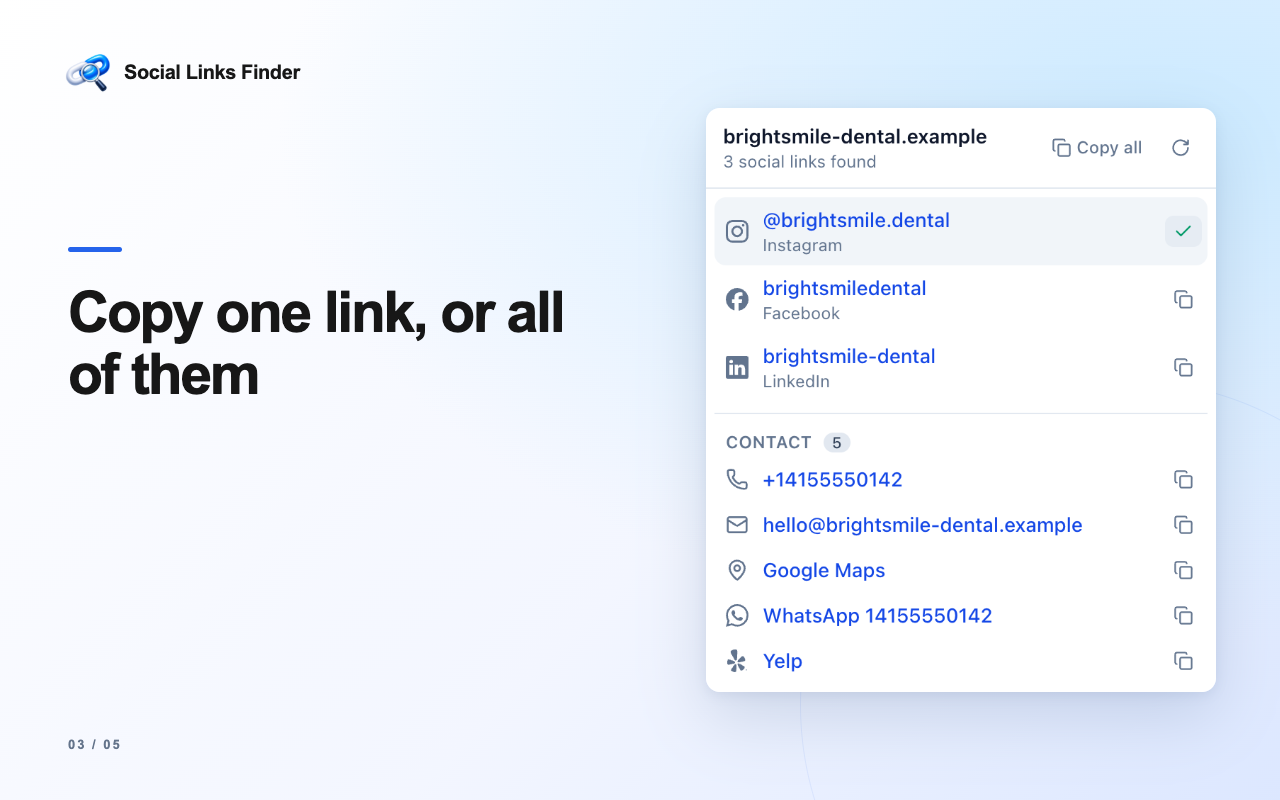
- Copy one link or all results with a click
- Merges duplicates and filters out share buttons, posts, and video links
- Link count on the toolbar icon after you open the popup
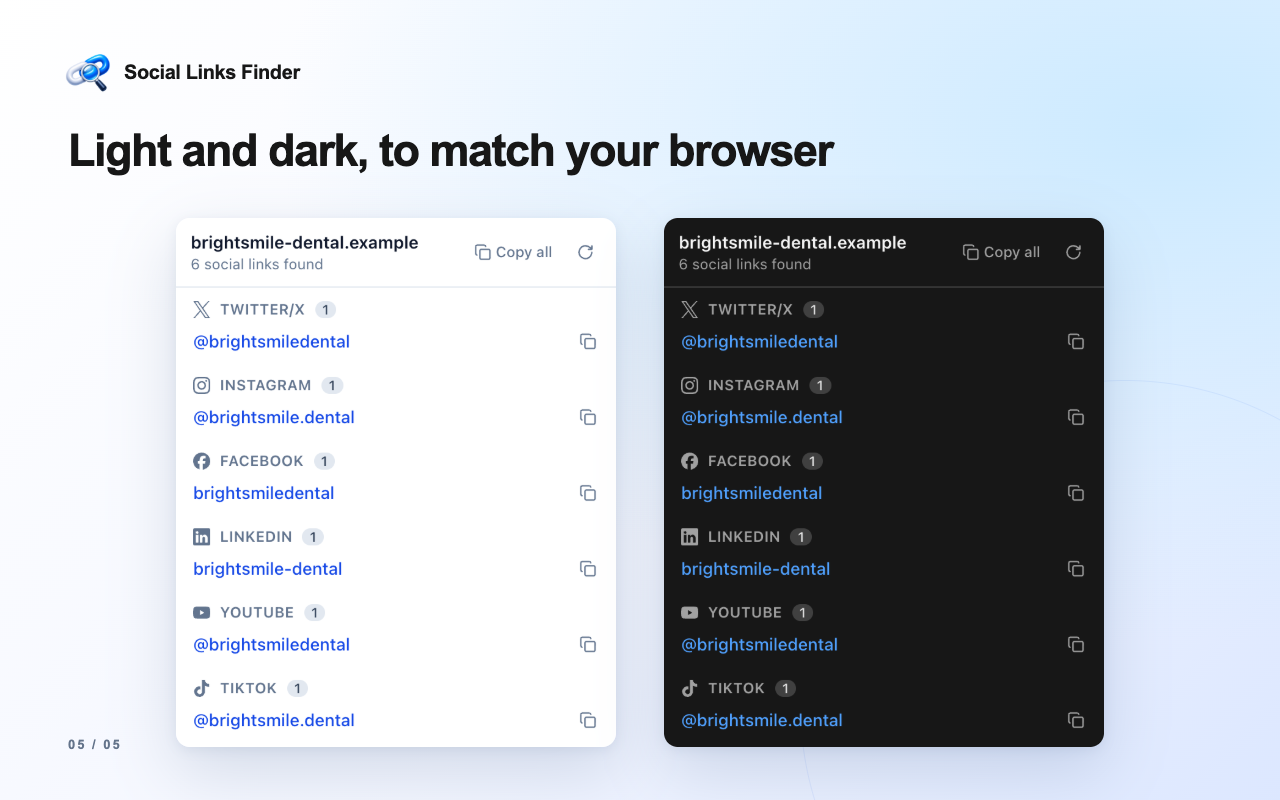
- Light and dark mode that follow your browser
How it works
- Open any website and click the Social Links Finder icon
- The extension scans the current page for social profiles, phone numbers, emails, and contact links
- Results are grouped by platform, with duplicates merged
- Copy a single link, or copy everything at once
FAQ
How do I find a company’s social media links from its website?
Open the company’s website, click the extension icon, and every social profile found on the page is listed by platform: Instagram, LinkedIn, X, Facebook, YouTube, and more.
Can it find contact details too?
Yes. It also finds phone numbers, email addresses, WhatsApp links, Google Maps links, and review pages such as Trustpilot, G2, and Capterra.
Does it collect my data?
No. It runs locally in your browser, has no accounts or servers, and reads the current page only when you click its icon.
Is it free?
Yes, it’s free to install from the Chrome Web Store.
Everything runs locally in your browser. No accounts, no tracking, no servers. The extension reads the current page only when you click its icon.