Whereabouts
Know where your connection is. Always.
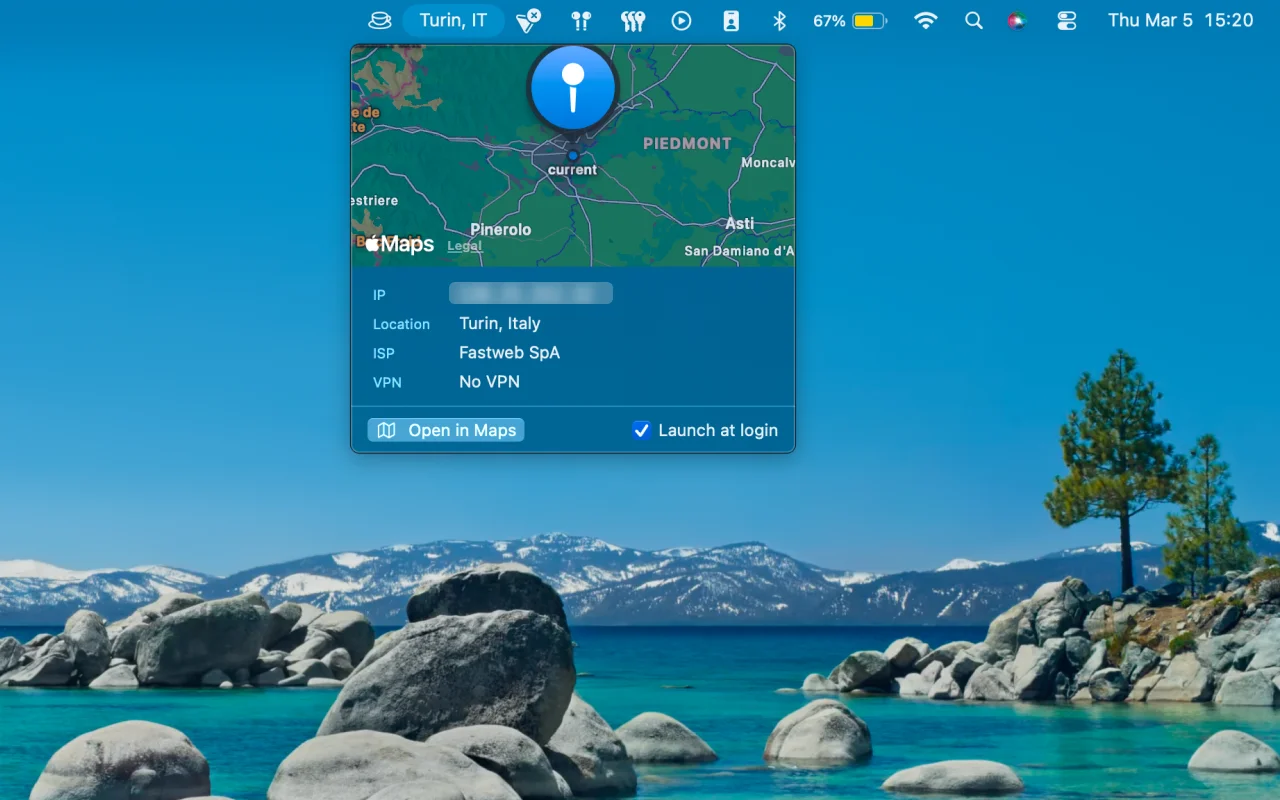
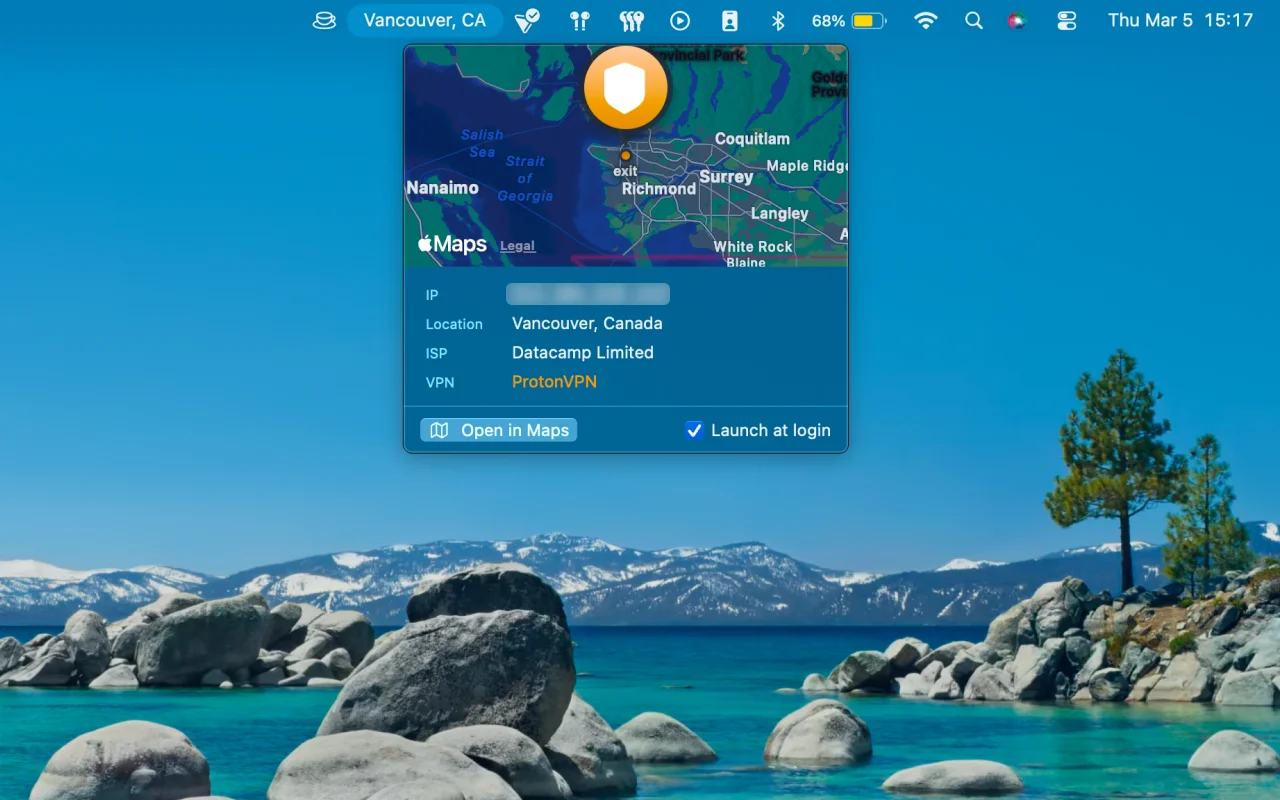
Your IP tells a story: where your traffic exits, which ISP sees it, whether your VPN is actually on. Whereabouts puts that in your menu bar, glanceable in one second, hidden when you're screen sharing.
Download for Mac
or install with Homebrew
brew install --cask zekevh/tap/whereabouts
Features
- Public IP address visible in the menu bar at a glance
- Geolocation: city, region, country, and ISP
- Network interface browser: Wi-Fi, Ethernet, VPN
- Copy any value with a single click
- Native Swift, no Electron, no background processes
- Universal binary: Apple Silicon + Intel
No accounts. No telemetry. No data leaves your machine. Privacy Policy